
[GBA] RetroSix CleanJuice AA
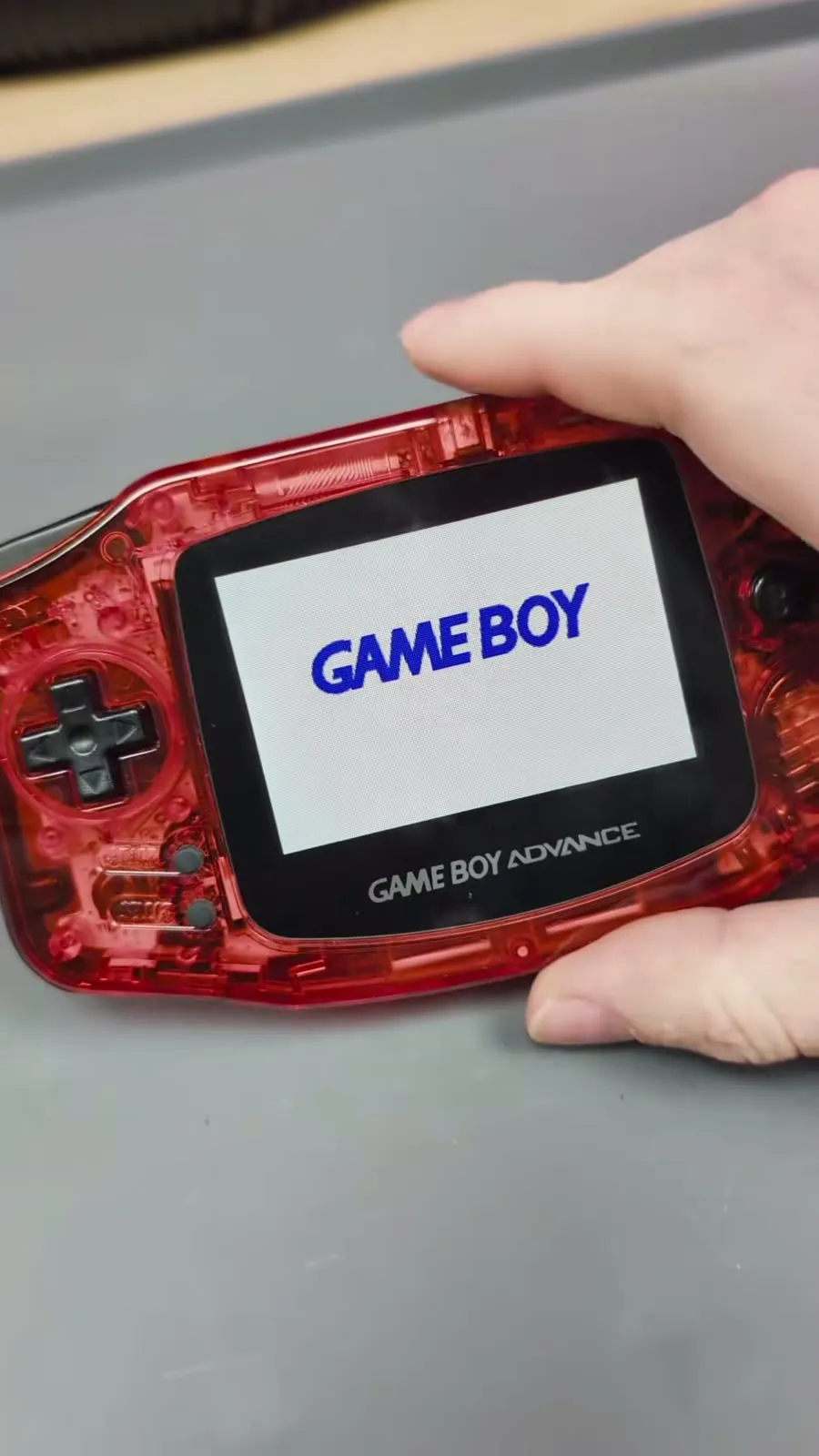
The CleanJuice AA is the successor of the CleanJuice with LiPo battery, which RetroSix no longer makes. Instead of a custom battery pack it uses two standard AA batteries that you charge inside the console over USB-C. If a battery wears out at some point, you just buy a new one.
Which batteries?
Section titled “Which batteries?”- Only use 1.2 V NiMH batteries, for example Eneloop.
- No lithium AAs, not even rechargeable 1.5 V lithium AAs. The CleanJuice AA does not work with them.
What’s in the box
Section titled “What’s in the box”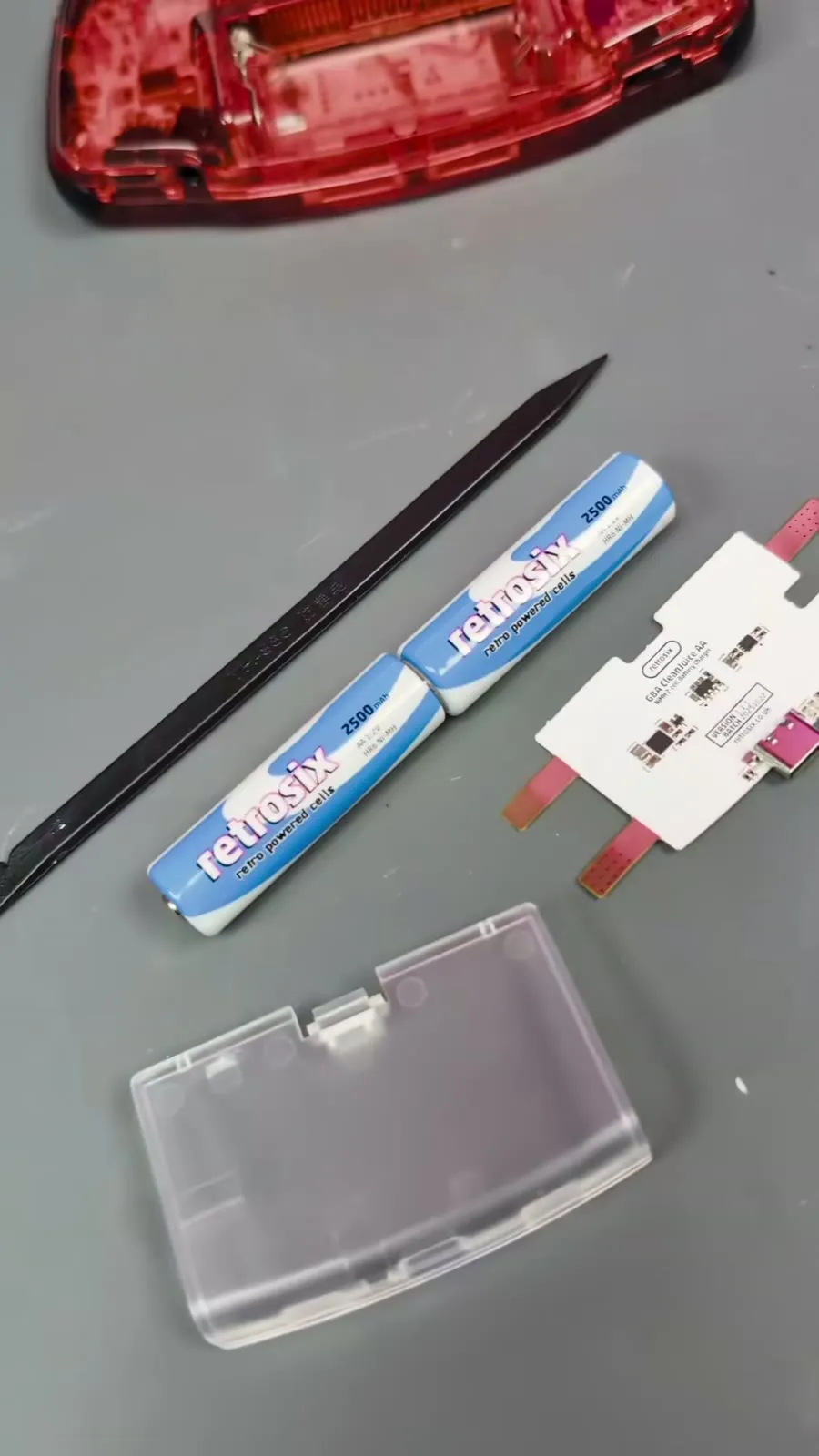
- CleanJuice AA board
- Clear USB-C battery cover
- Optionally two AA batteries
In the video RetroSix also uses a flat plastic tool (spudger) to push the batteries aside briefly during installation.
Installation
Section titled “Installation”If you previously installed a CleanJuice with LiPo battery and removed the battery springs for it, put the springs back first. They simply push back in.
-
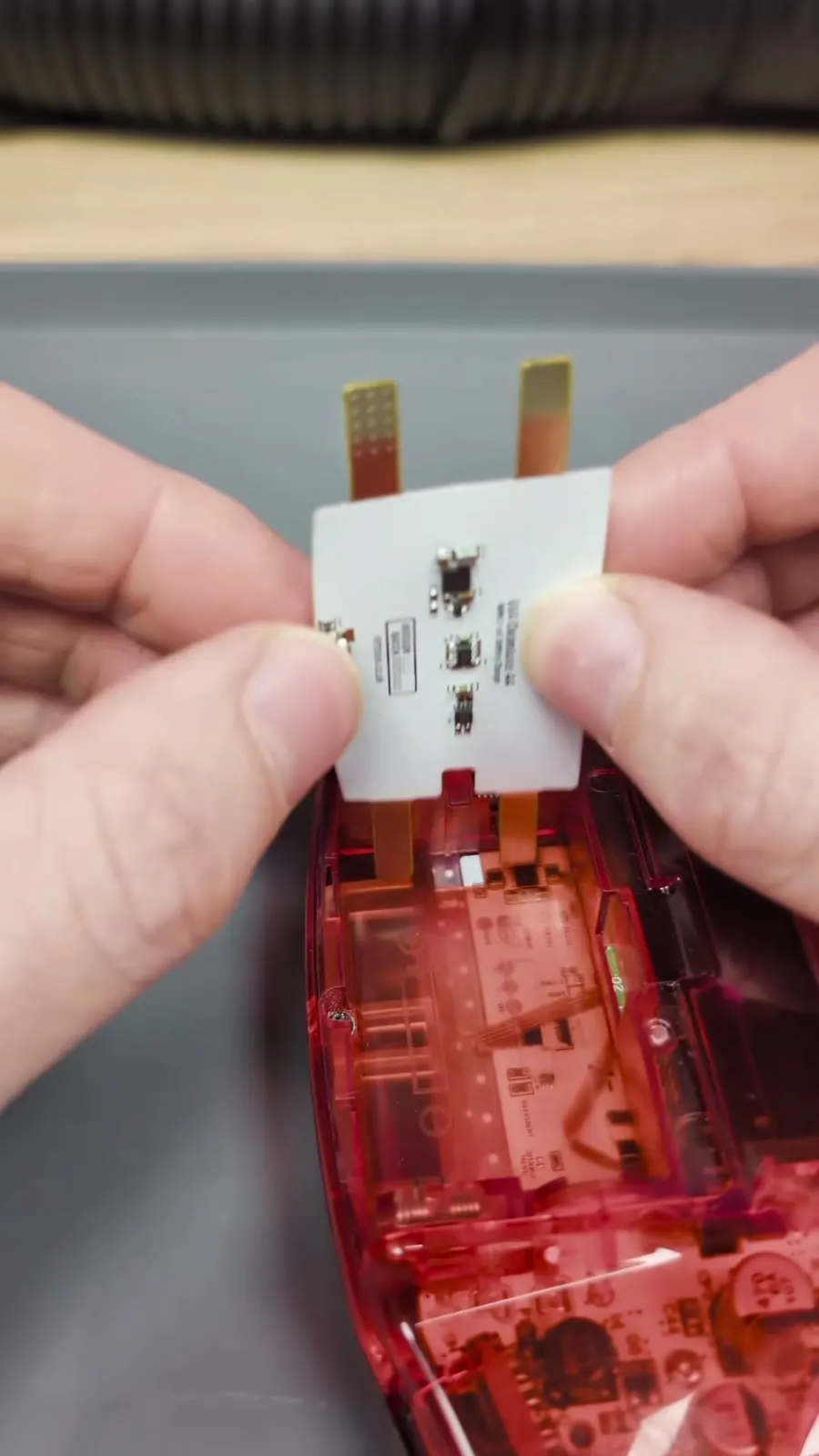
Place the board roughly over the battery springs. Do not push it all the way down to the bottom, keep it slightly higher.
-
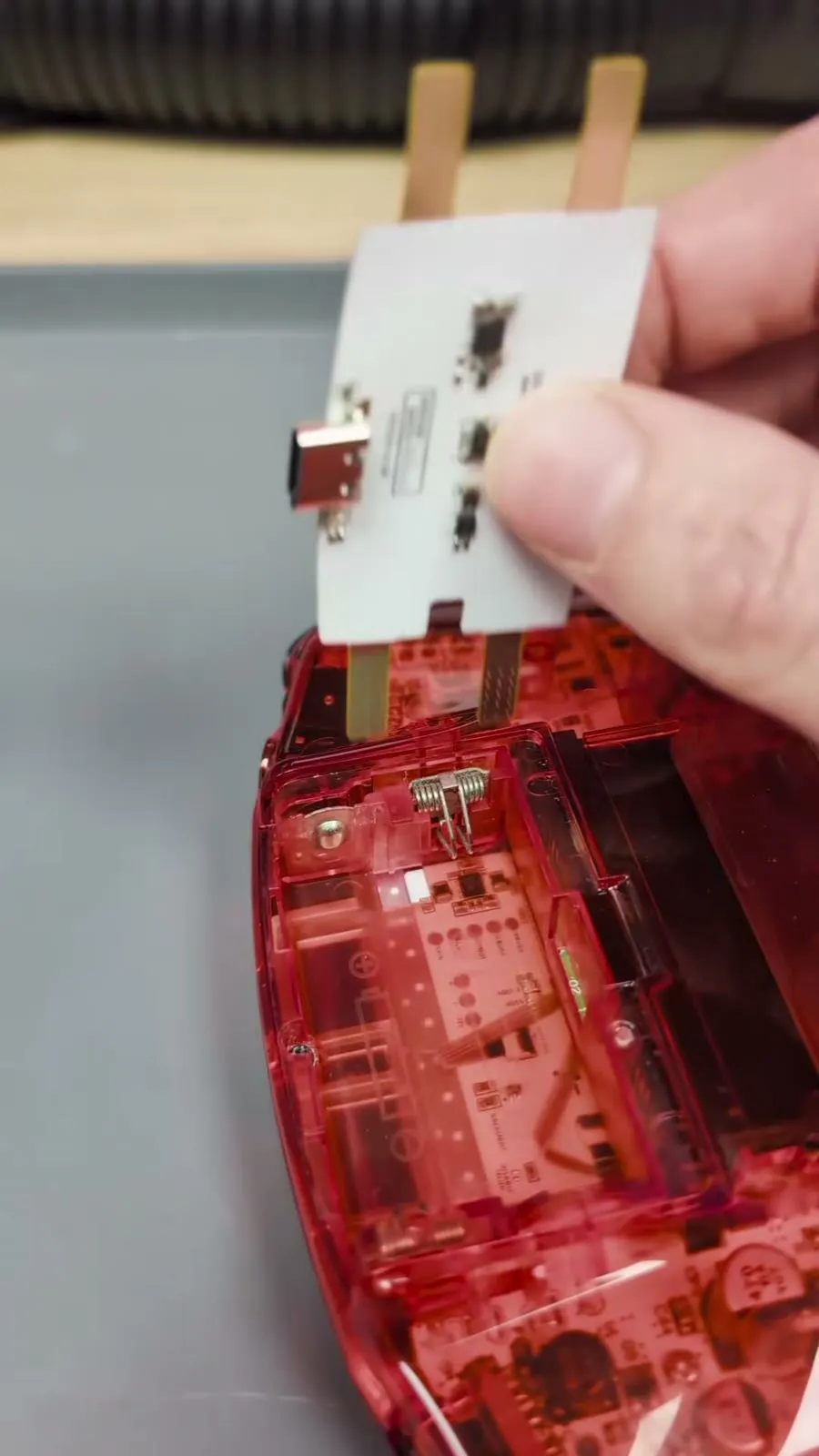
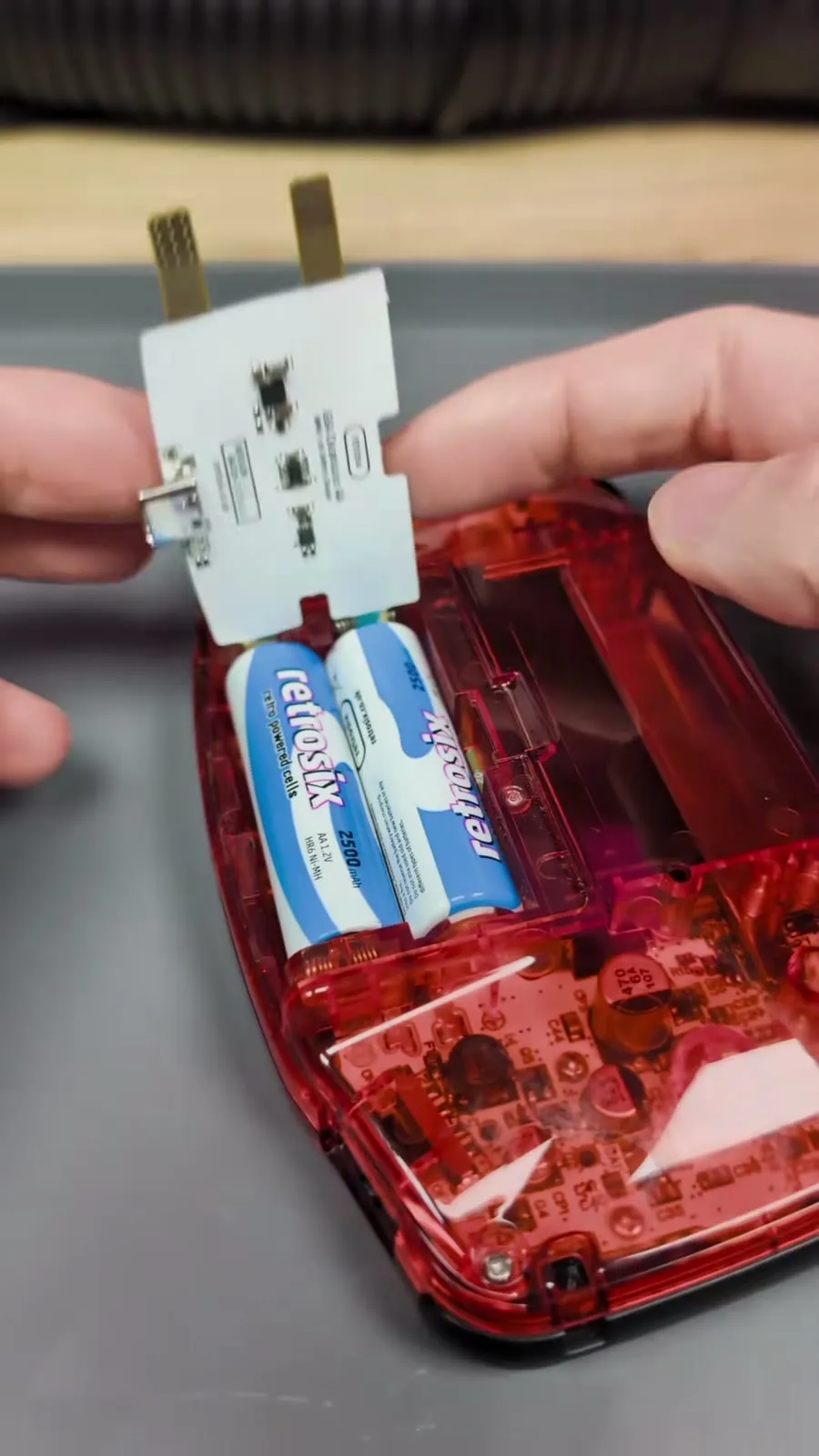
Insert the batteries as usual and mind the direction: the side with the firm spring takes the flat negative end, not the positive end with the nub. The battery pushes down over the spring.
-
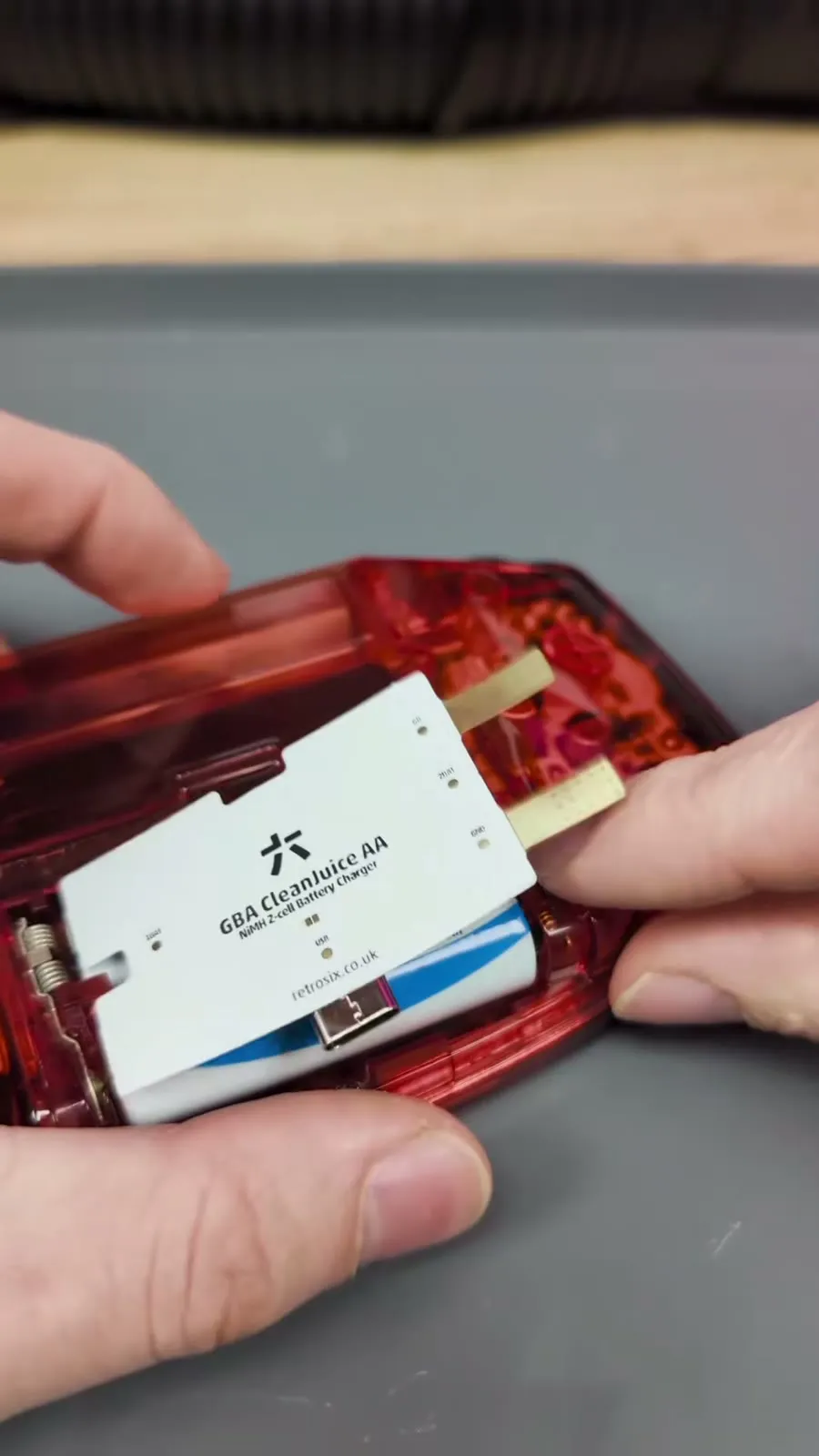
Fold the board down over the batteries. It stays in place by itself.
-
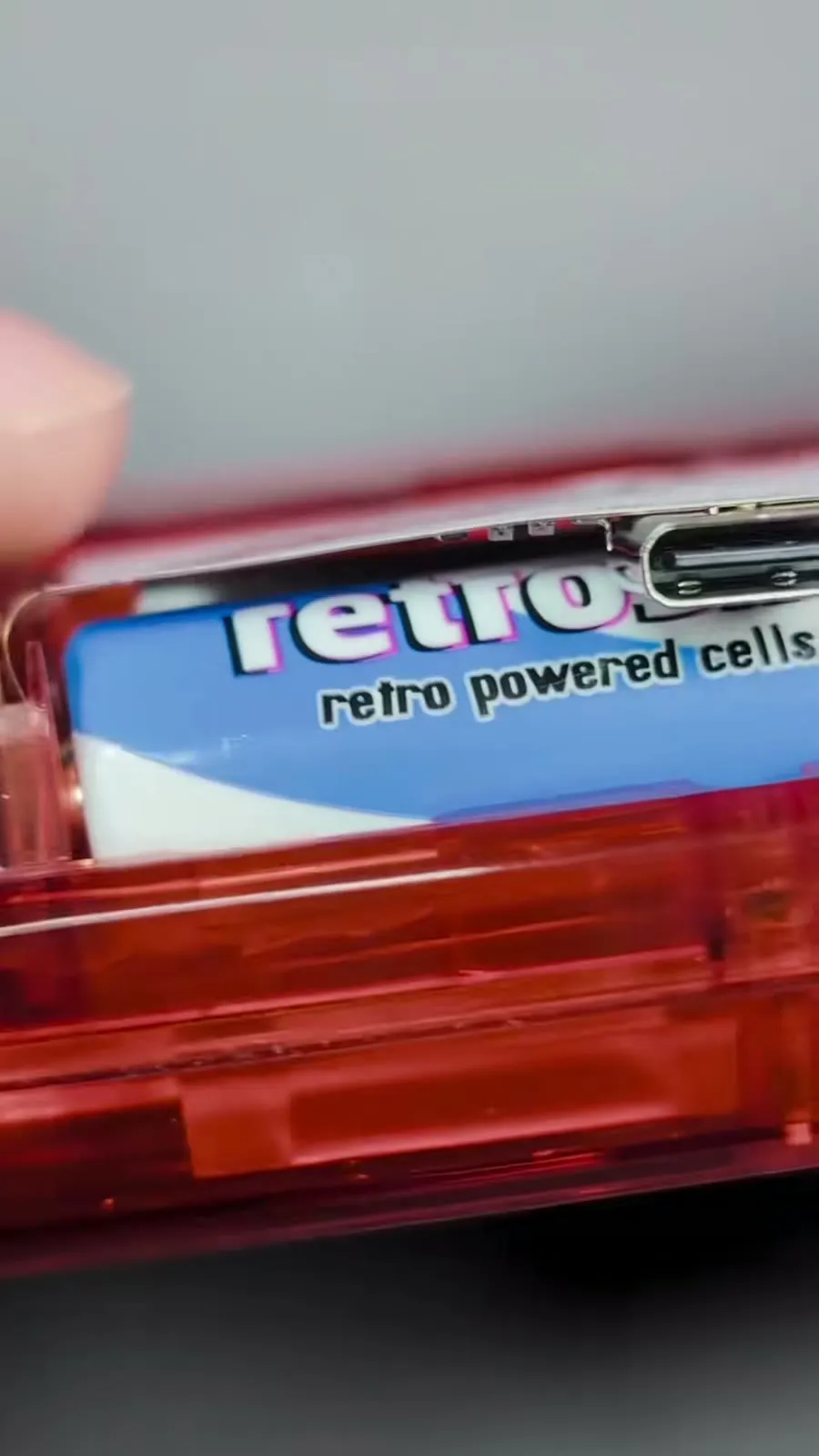
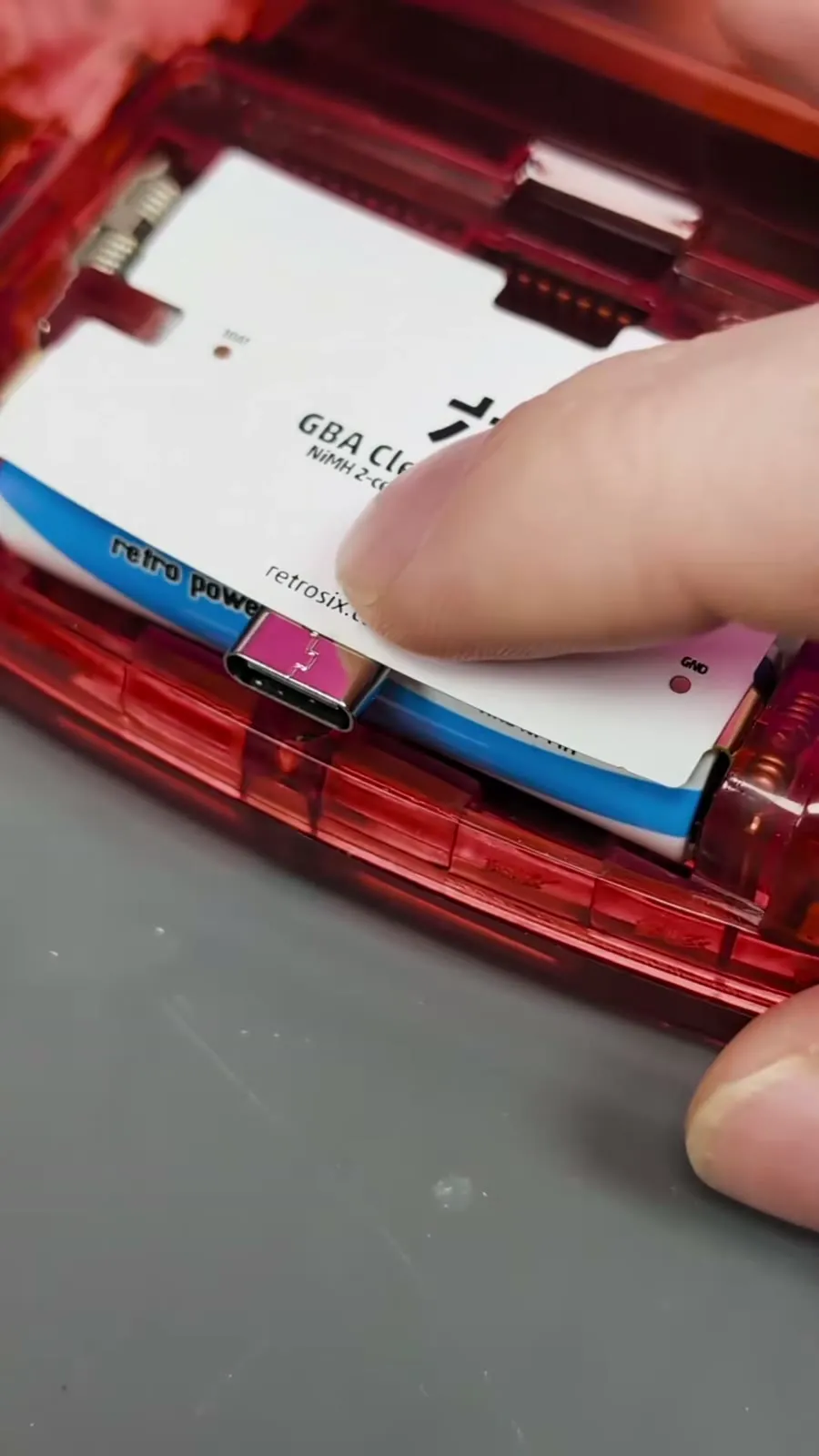
Now the contact arms need to go into the slots between the battery springs. This is quite tight:
- Bend the arms down once beforehand.
- Use the tool to push the battery up and away so the spring makes room, and press the arm down into the slot.
- If the battery moved while doing the second arm, push it back into position. Then put one finger on each side and press down slowly. Don’t force it and don’t rush, then the arm slides in without problems.
-
The board bulges up slightly afterwards. That is normal, it is flexible and the battery cover presses it flat.
Testing
Section titled “Testing”Switch the console on. It should boot normally.
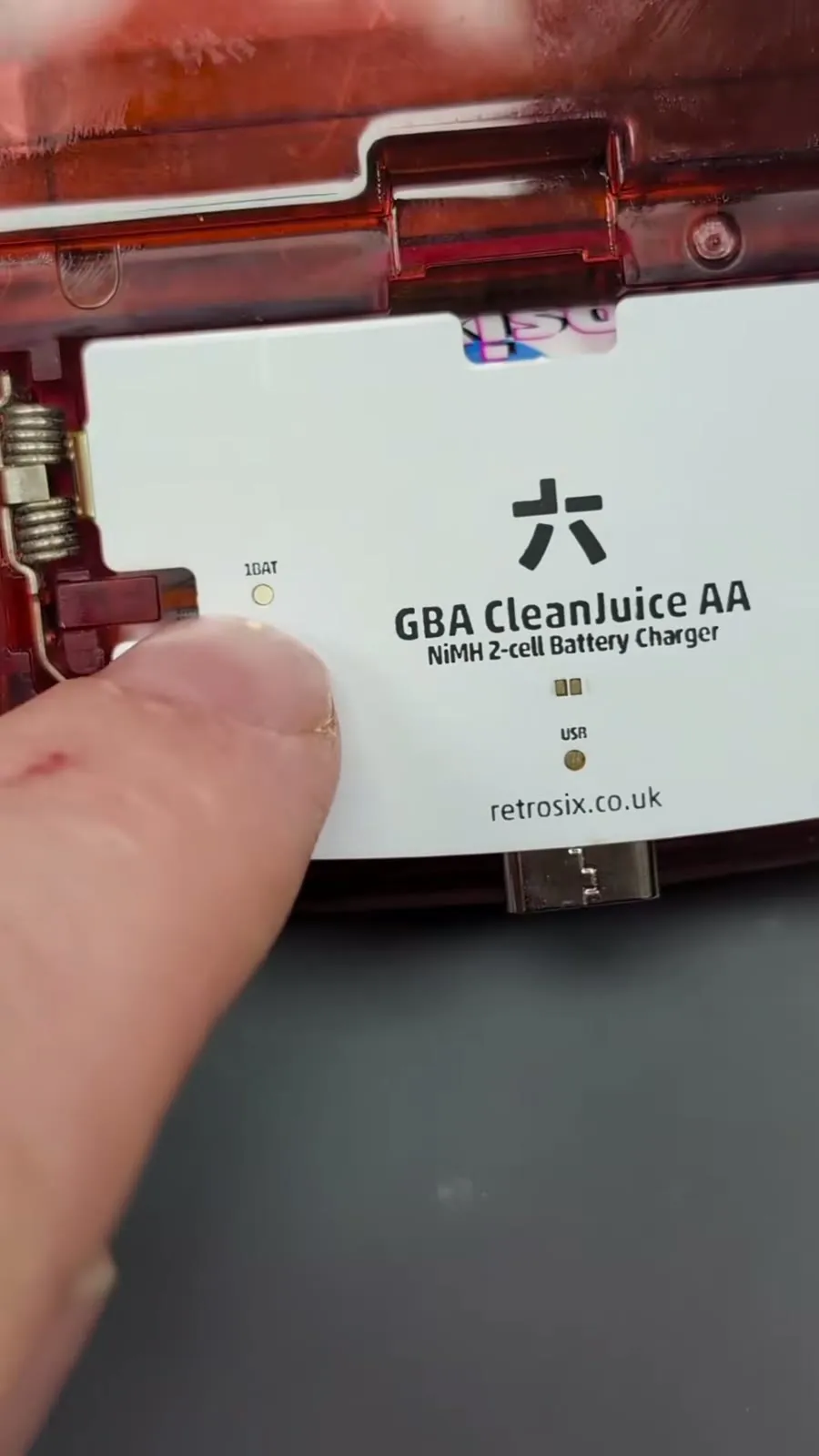
With a multimeter you can check the test points on the board:
| Test point | Expected value |
|---|---|
| Ground (GND) | Reference |
| Single battery voltage | approx. 1.2 V |
| Full battery voltage (both batteries) | approx. 2.4 V |
| Output (regulated by the CleanJuice AA) | stable 3.4 V |
| USB with charging cable connected | 5 V |
Charging and status LEDs
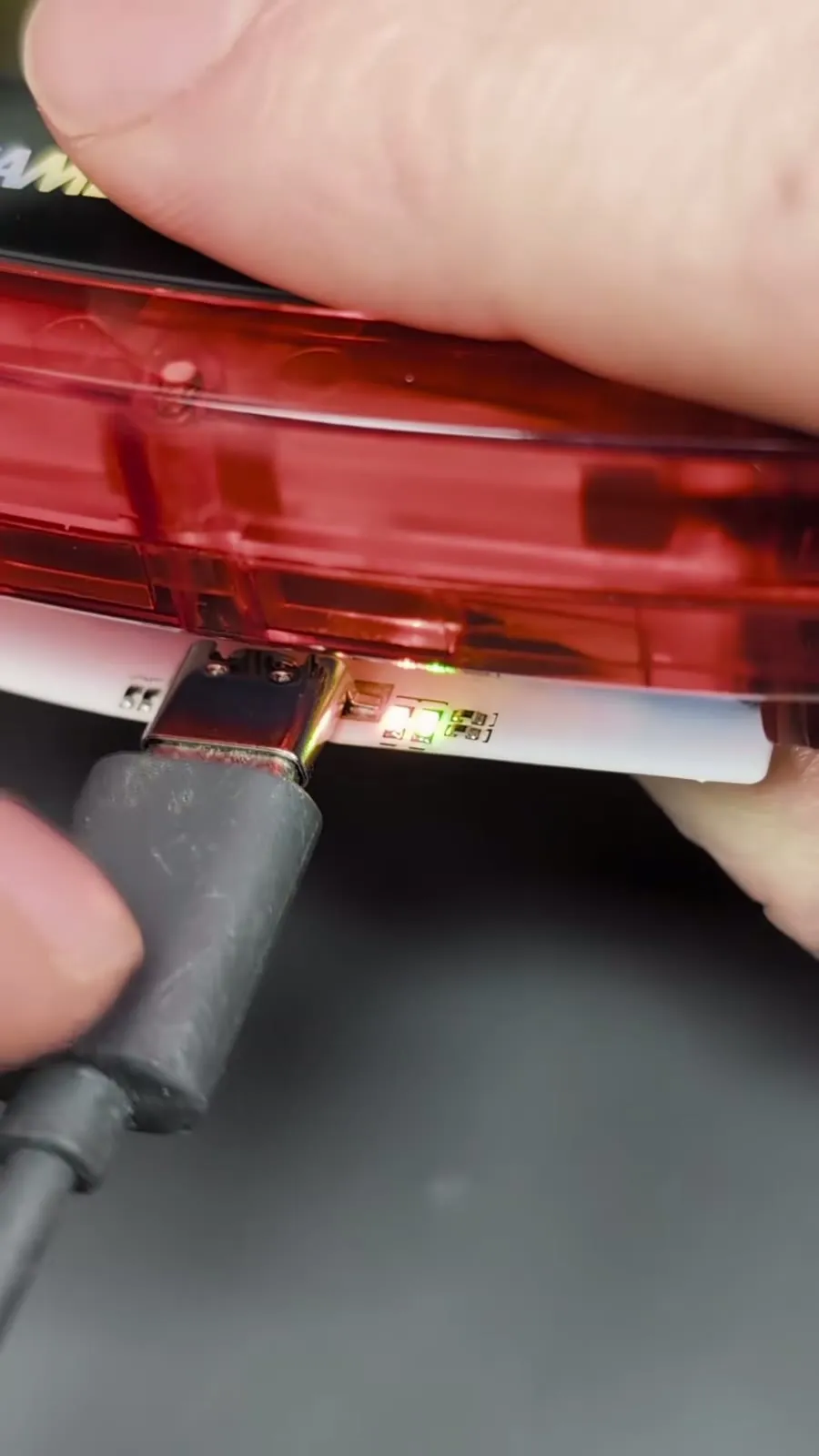
Section titled “Charging and status LEDs”There are two LEDs underneath the USB-C port:
- Green: USB is providing power.
- Orange: The batteries are charging.
Charging from empty to full takes about 3 to 4 hours. The charge current is kept low on purpose because the board is very thin and the console should not get warm.
Fitting the battery cover
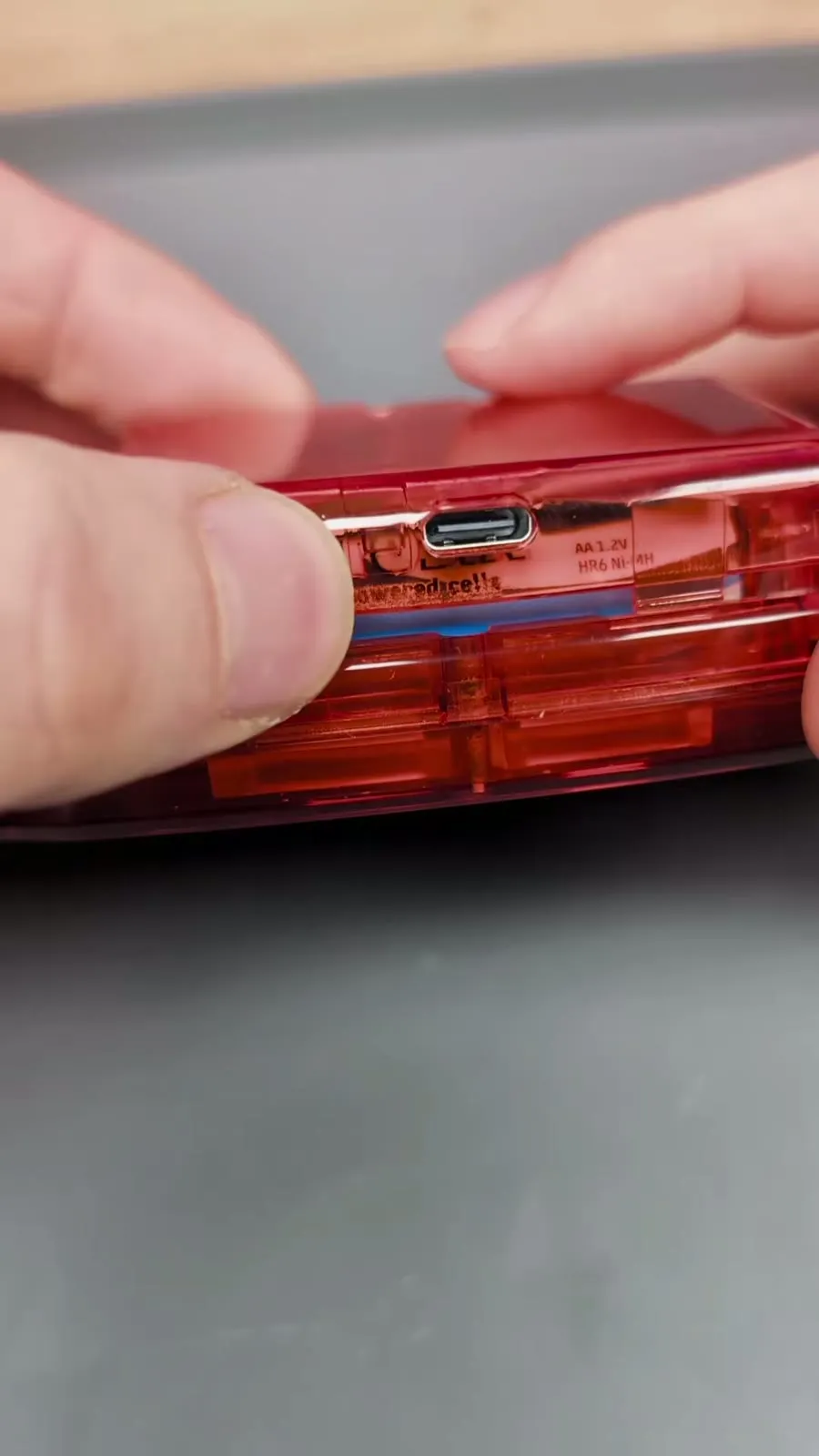
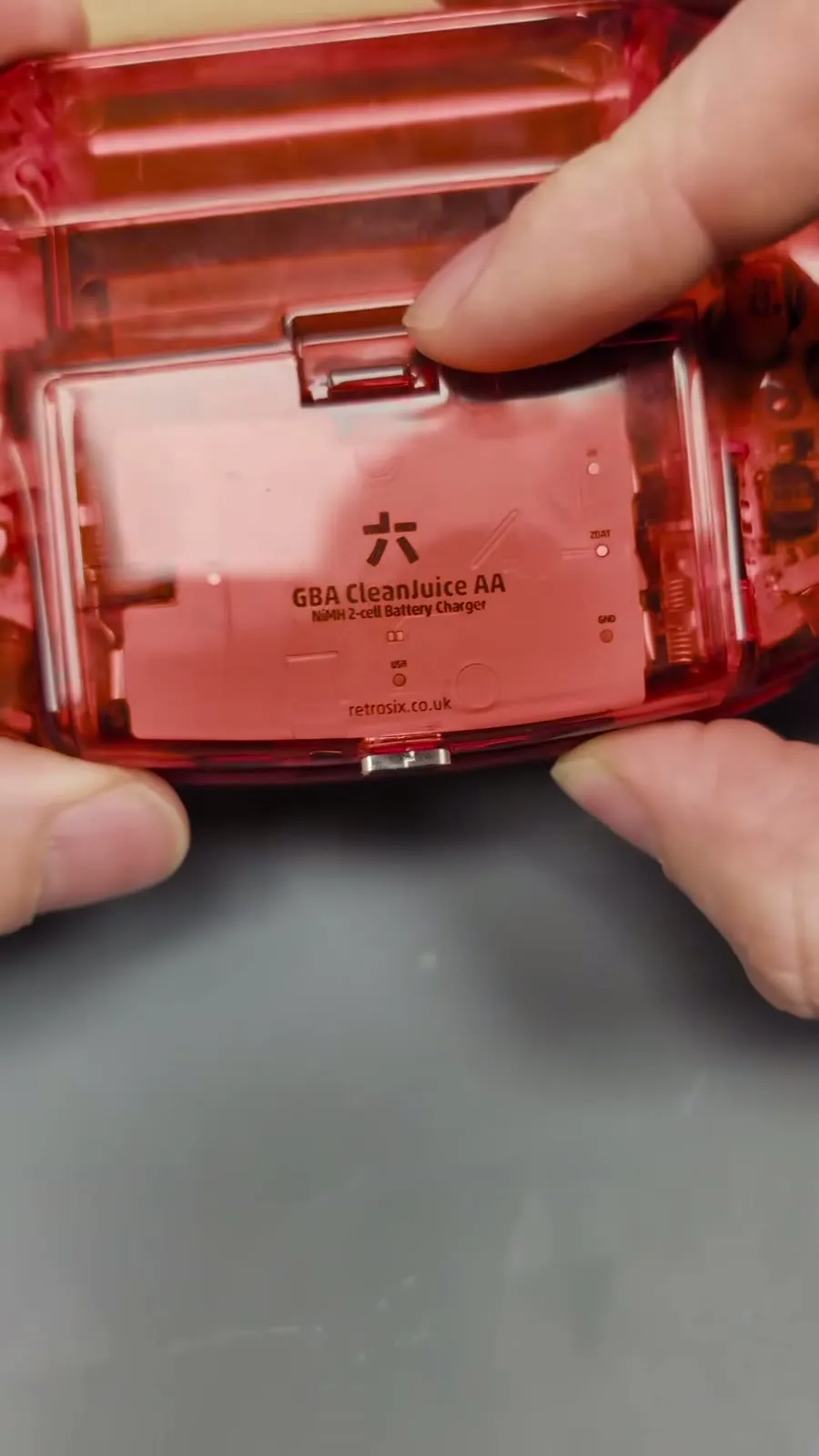
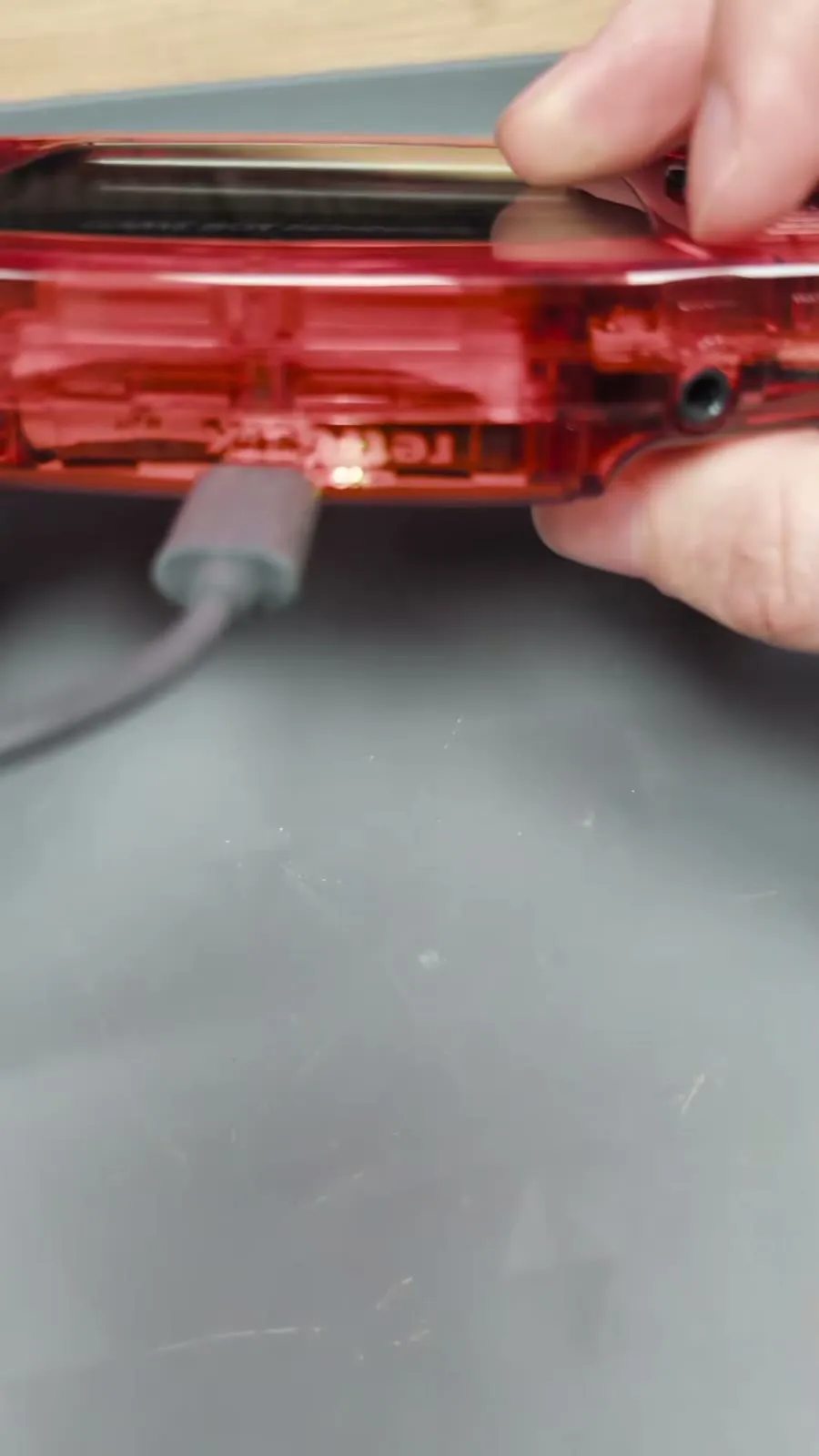
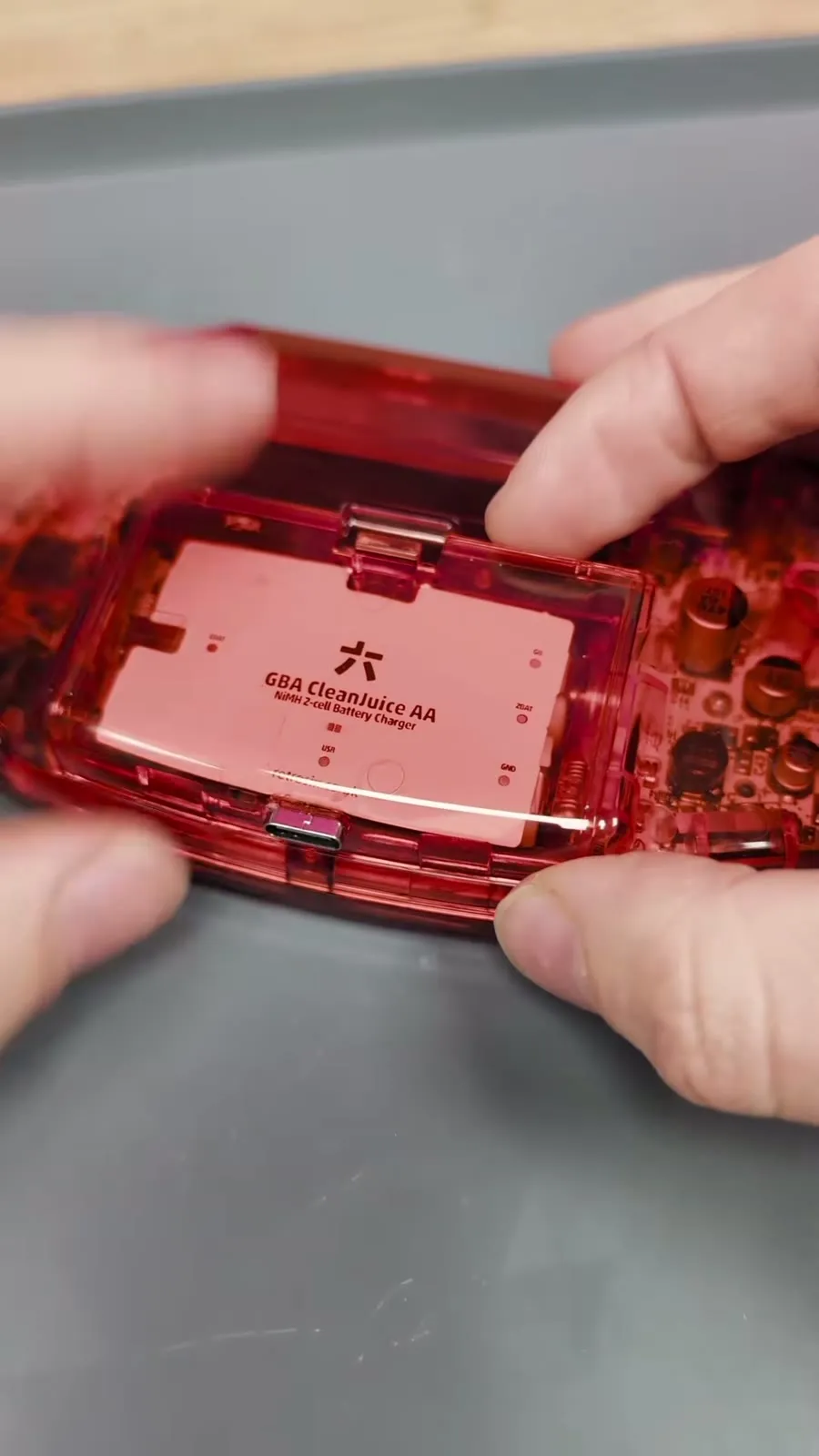
Section titled “Fitting the battery cover”- Hold the USB-C battery cover over the battery compartment so the USB-C port sits roughly in the opening.
- The port does not always slip through by itself. In that case plug a USB-C cable in from the outside and use it to gently wiggle the port through the opening. This may take a few tries.
- The port should stick out completely through the opening. Then the cover clicks into place and sits completely flat.
- Finally give the cable one more short wiggle so the port seats properly in the opening. After that it is rock solid.
From now on you can charge the console with a USB-C cable at any time.
Removal or swapping batteries
Section titled “Removal or swapping batteries”Removal works just like installation, in reverse. Take your time.
- Lift off the battery cover. To release the clips at the bottom, lift the cover only as far as needed to free it.
- Push the USB-C port back through the opening with your finger. That way you don’t pull on the board when taking the cover off.
- Press the battery spring in and gently lift the contact arm up and out. Do this for both arms.
- Lift the batteries out.
If you only swap the batteries, leave the contact arms bent the way they are and don’t bend them back and forth unnecessarily.