[GBC] Trimming RetroSix Shells
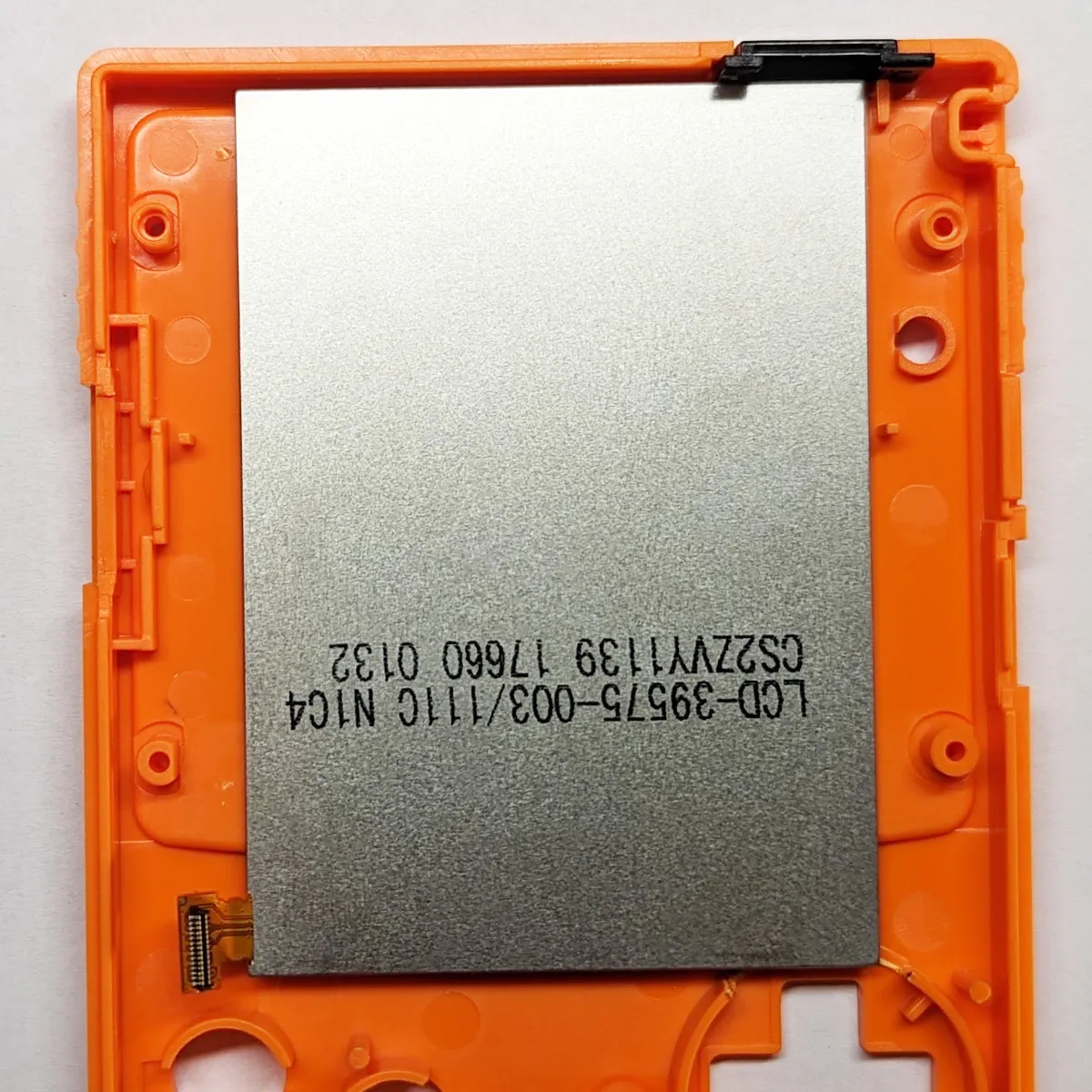
RetroSix shells can be used both with the original LCDs and with IPS kits that have a larger LCD, also known as “Q5” (e.g. Hispeedido Q5 XL Kit or FunnyPlaying RetroPixel 2.0 Blank Kit). The much smaller OEM LCD is held in place by small posts on the inside of the shell.
IPS Q5 Kits
Section titled “IPS Q5 Kits”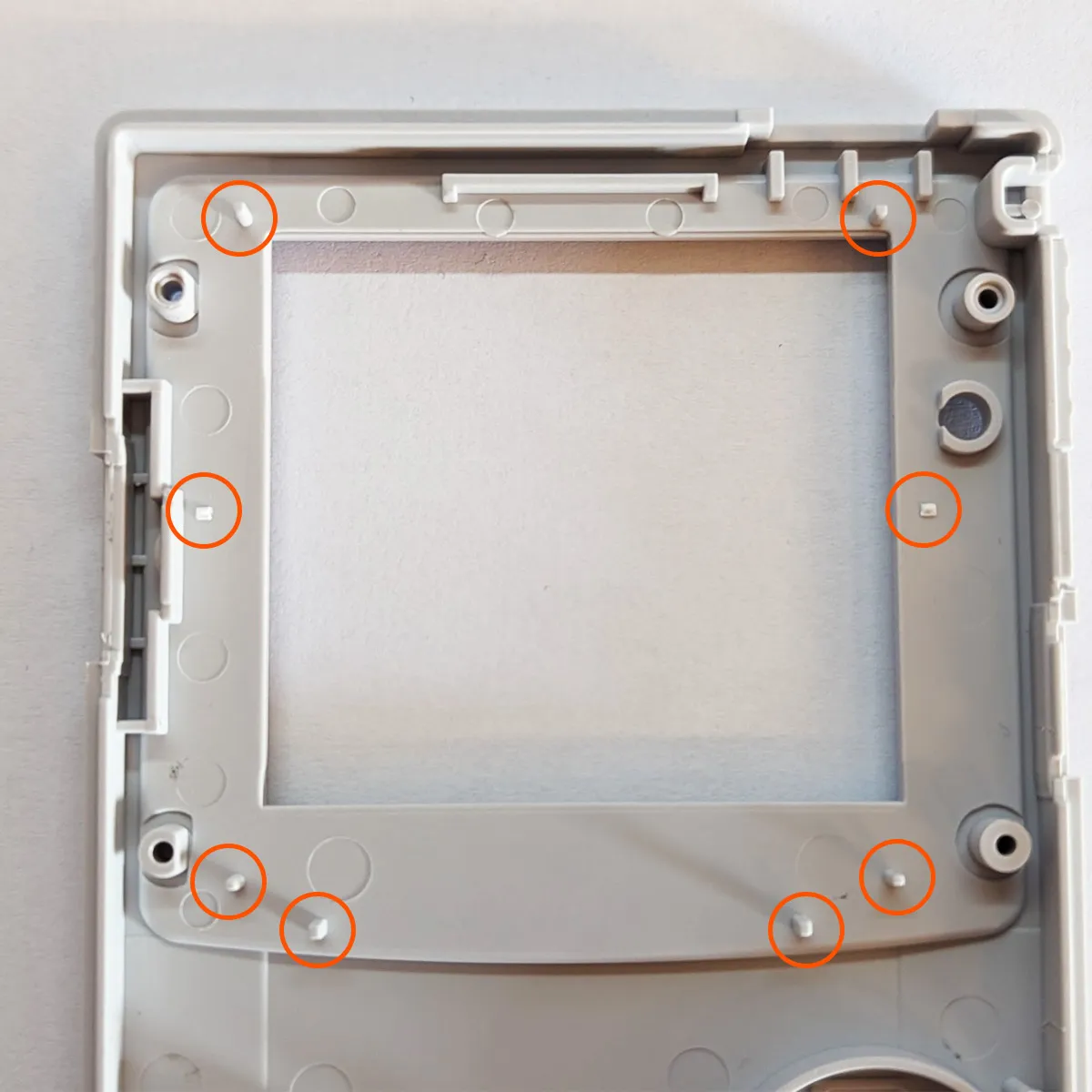
You can remove these posts with a utility knife, flush cutters or something similar. To avoid damaging the LCD, it’s a good idea to cut as flush as possible or to sand off any leftover material.
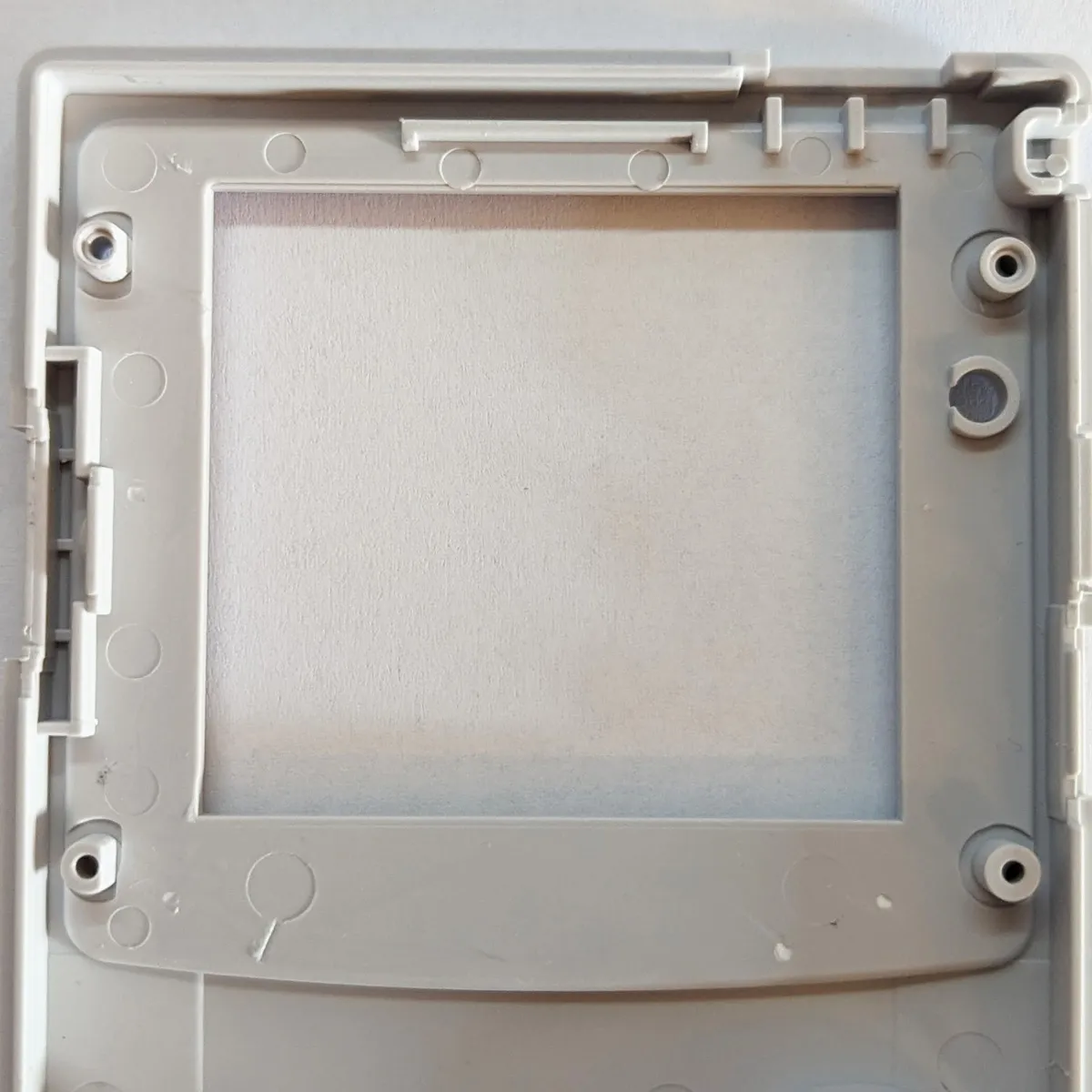
Finally, you can insert the LCD.
IPS V3 Kits
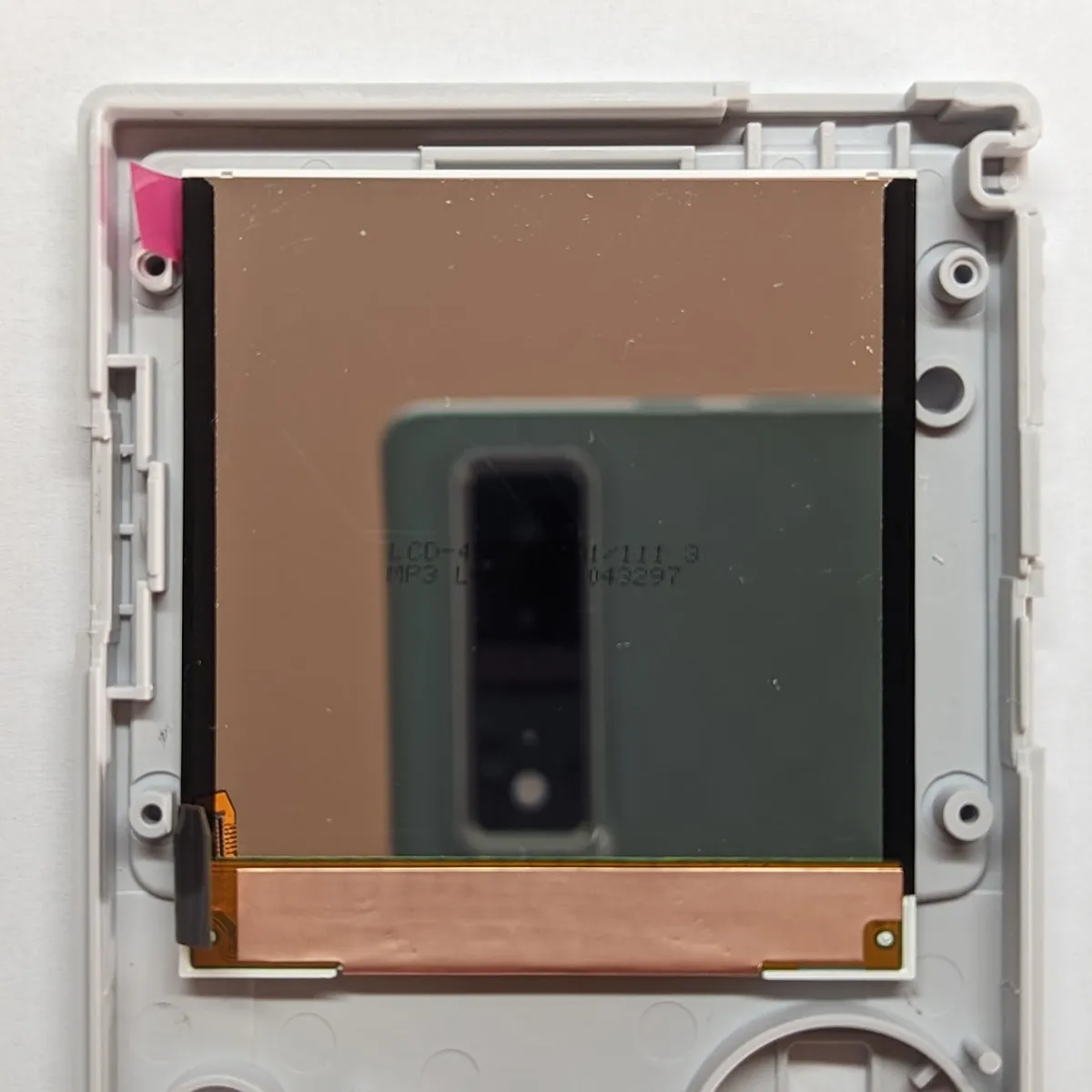
Section titled “IPS V3 Kits”The GBC V3 IPS Kit uses an elongated LCD, so somewhat more extensive modifications are needed.
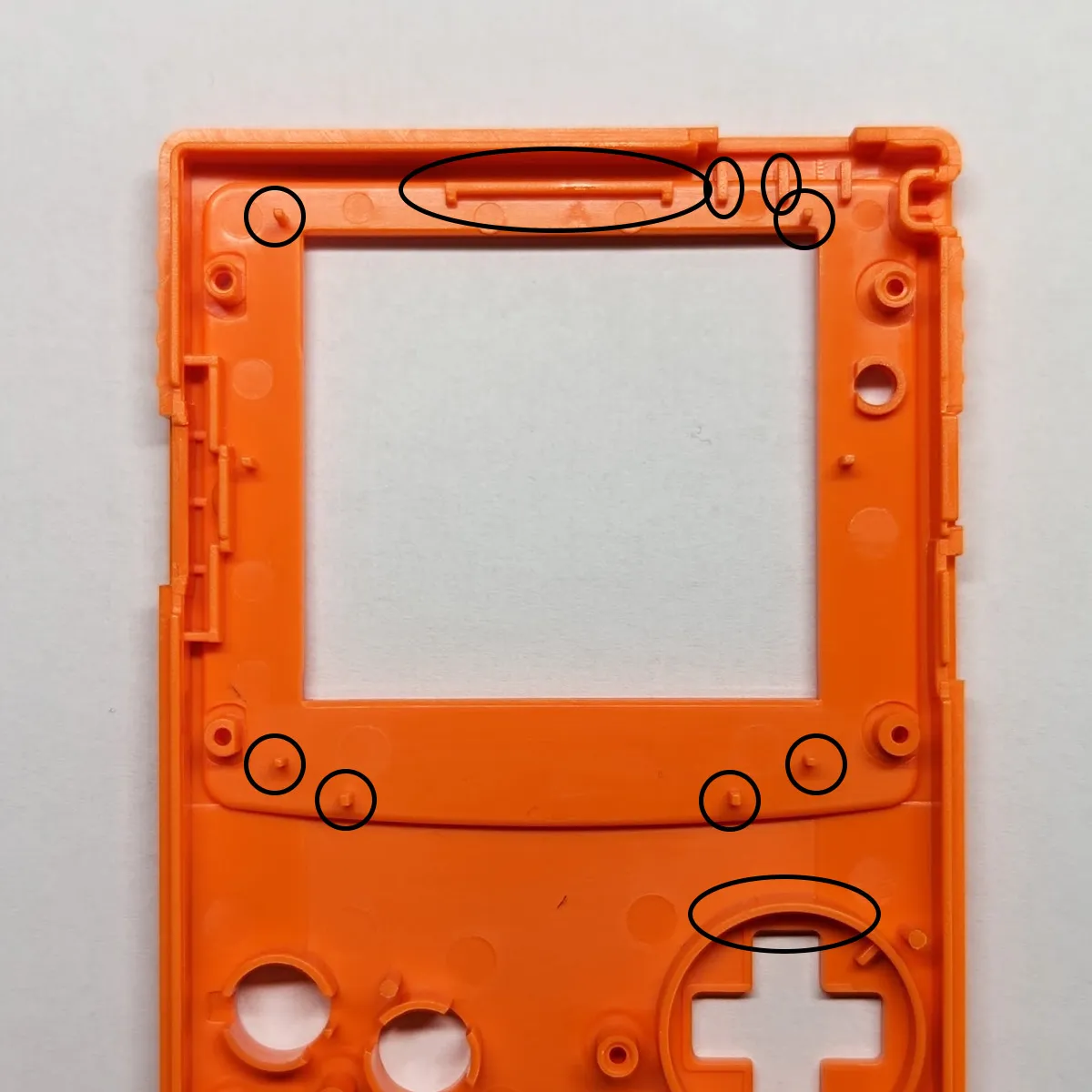
To figure out how much of the D-pad frame needs to be removed, it’s best to lay the LCD in place and mark the end of the LCD with a pen. Please note that the IR cover has to be inserted temporarily for this.
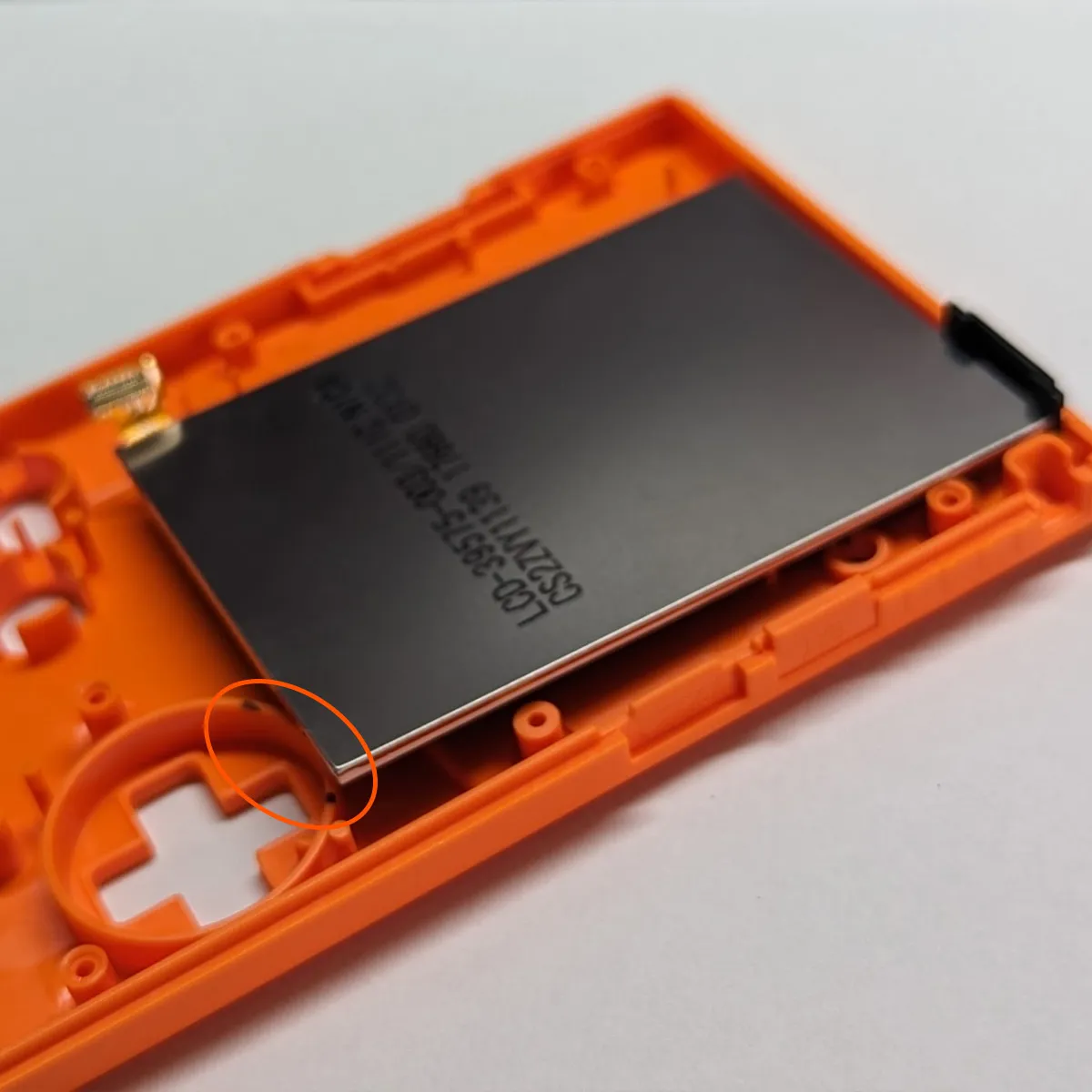
Once all marked areas have been removed, it’s best to sand off any protruding bits to avoid damage when the display rests on them.
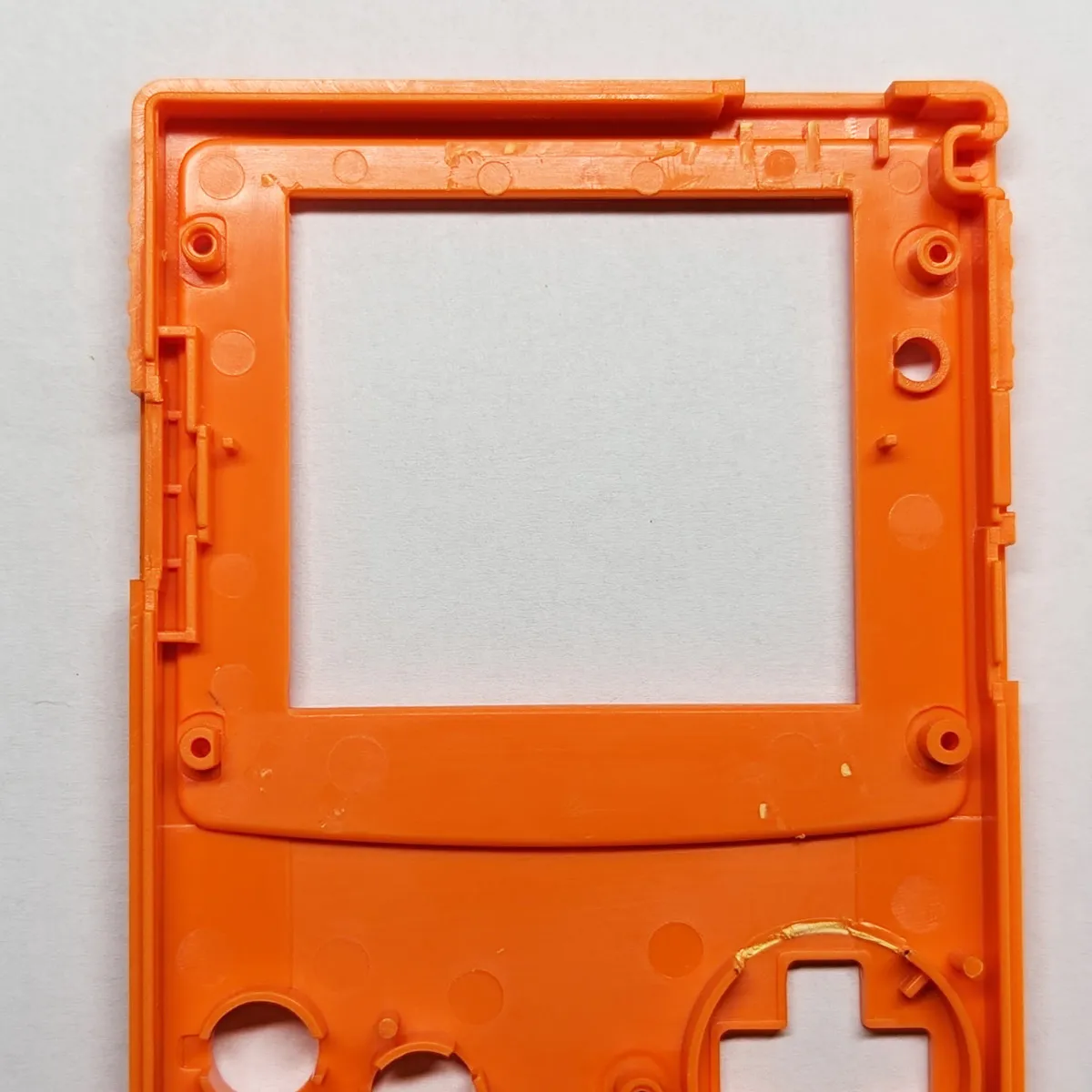
Finally, the LCD can simply be inserted.