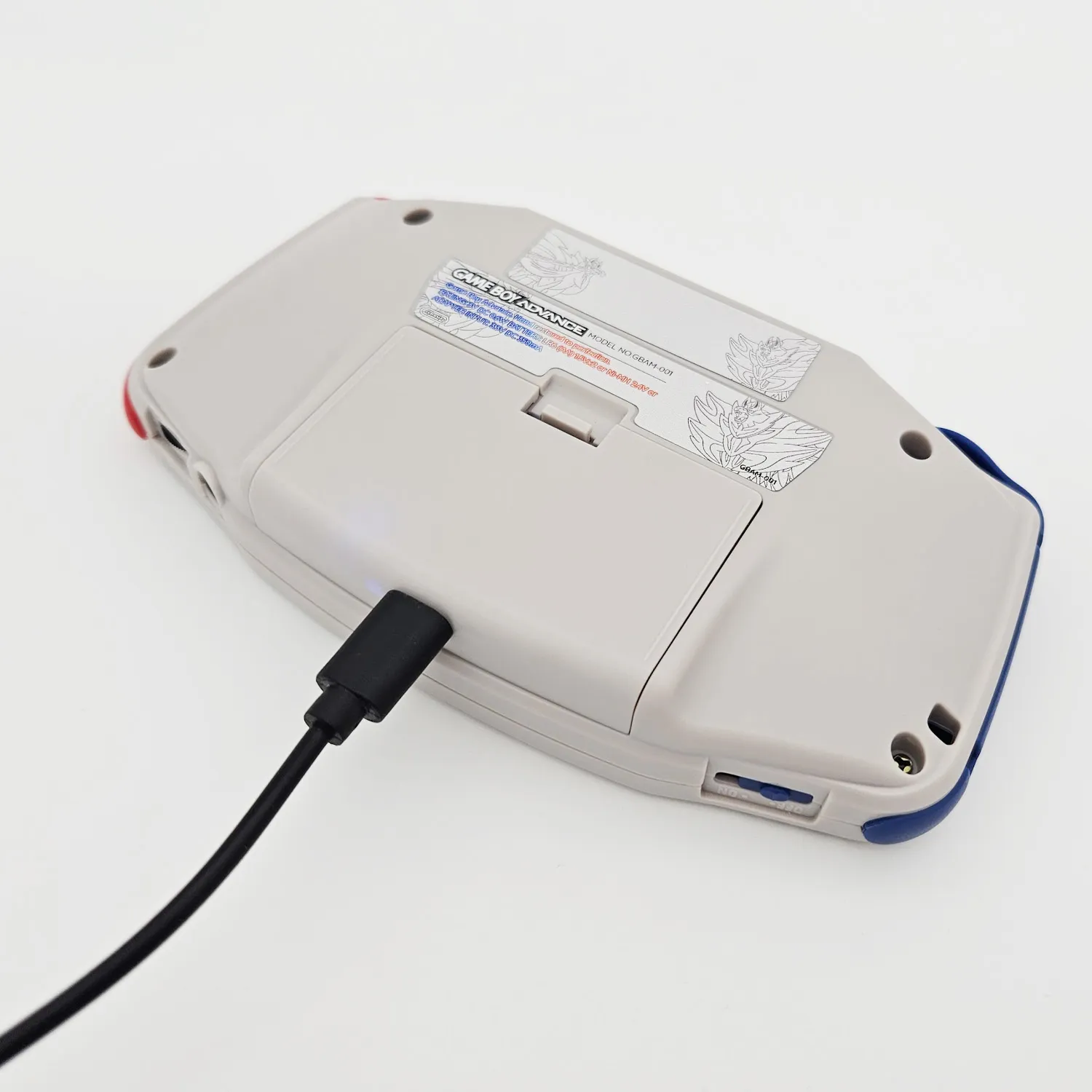
Hispeedido USB-C Battery Pack (GBA, GBC, DMG)
With the Hispeedido USB-C battery pack you charge your Game Boy via USB-C and no longer need AA batteries. The pack consists of a charging board with a USB-C port and a lithium battery, and it comes with a matching battery cover with an opening for the USB-C port. It goes into the battery compartment, no soldering required.
Before you start
Section titled “Before you start”- Shell: Installation is easiest in Hispeedido shells: the pack fits without trimming, and the USB-C cover is included in the shell sets: GBA, GBC, DMG. In the GBC, the pack also fits the FunnyPlaying IPS shells.
- Original shell: You need to modify the battery compartment. The GBA usually needs only a little trimming, the GBC compartment has to be modified, and in the DMG you remove the divider ribs in the battery compartment. Make sure no sharp edges are left that could damage the battery.
- DMG only: The pack works with the original voltage regulator and with the Hispeedido IPS voltage regulator. The RetroSix CleanPower can cause problems: on some consoles the voltage collapses as soon as you switch the Game Boy on. Many people use this combination without issues, but we have also had several cases where it did not work.
Installation in the Game Boy Color in 23 seconds:
Installation
Section titled “Installation”The steps are the same on all three consoles. The pictures show the Game Boy Color.
1. Remove the battery contacts
Section titled “1. Remove the battery contacts”Take off the battery cover and remove the metal contacts for the AA batteries from the battery compartment. The charging board of the pack takes over their job.
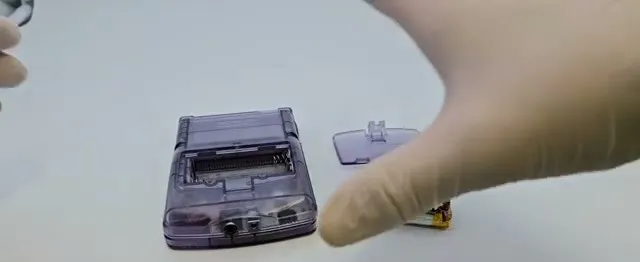
2. Insert the battery pack
Section titled “2. Insert the battery pack”Place the pack in the battery compartment with the board facing up and press it down until it sits flat.
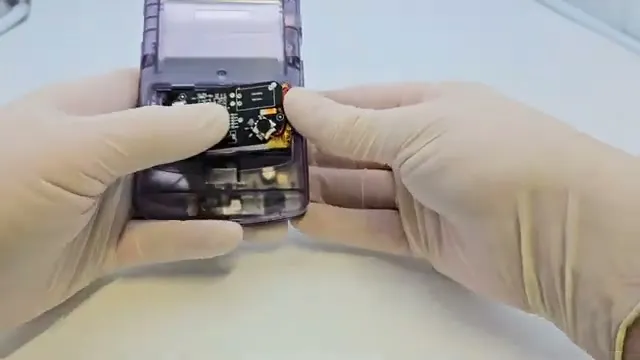
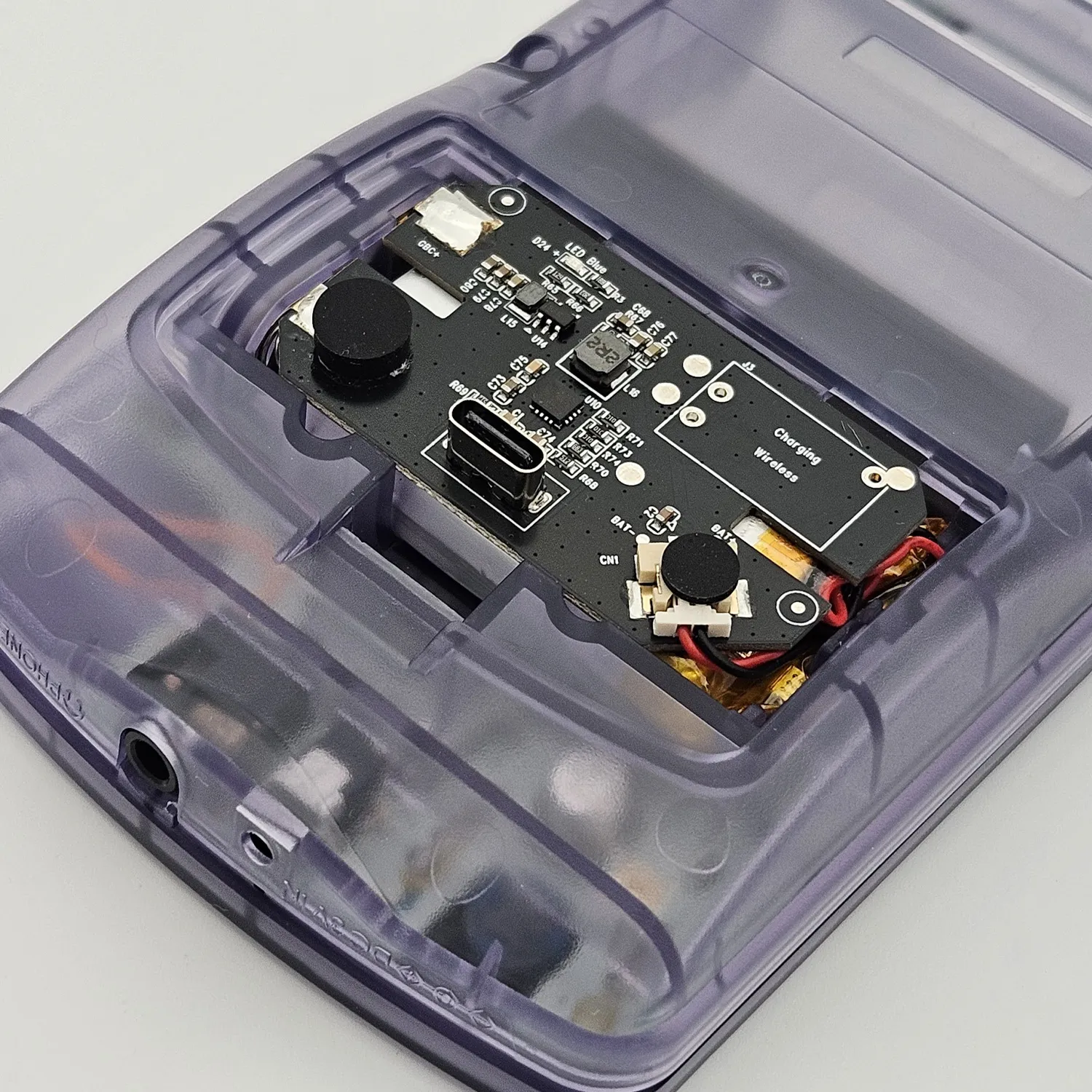
3. Fit and align the USB-C cover
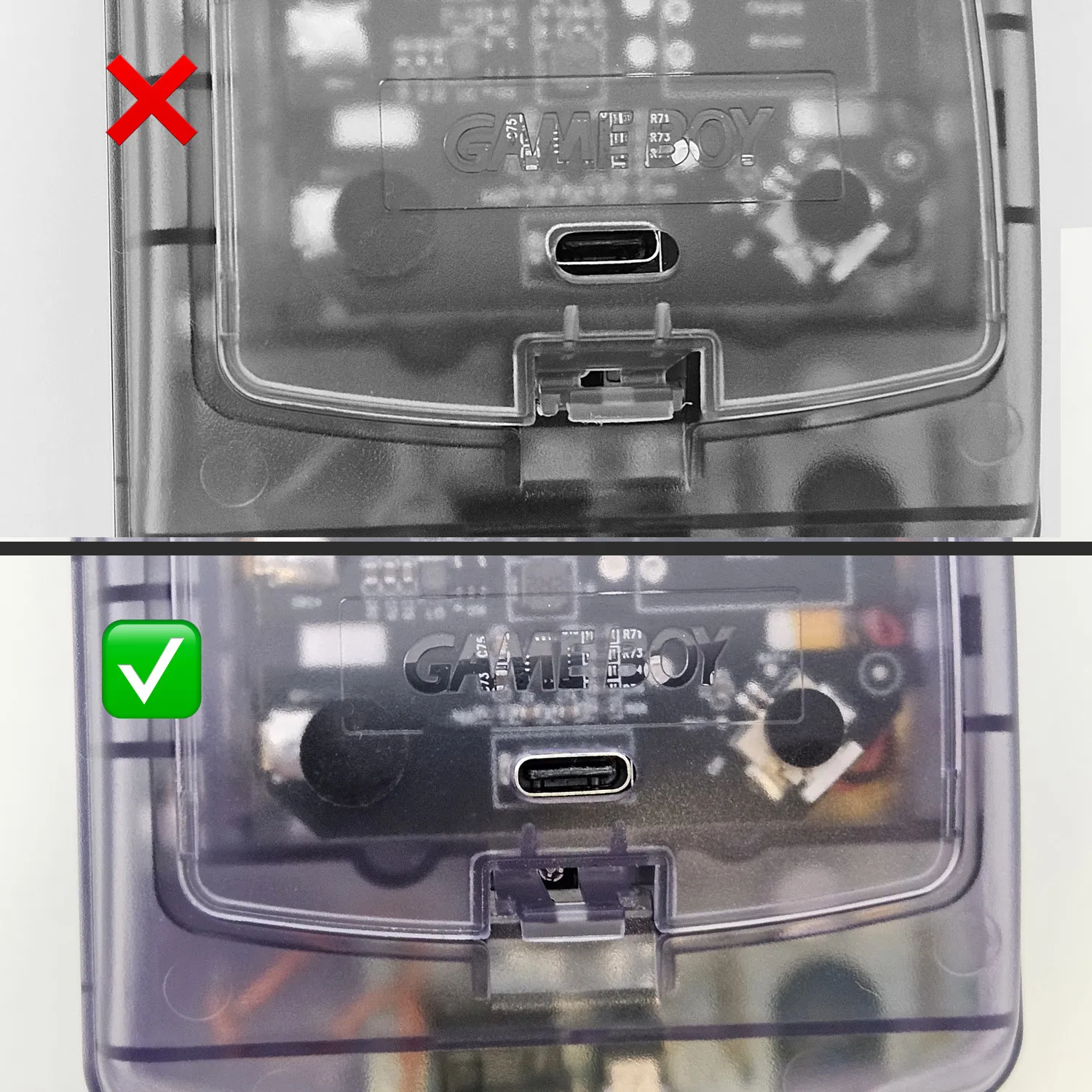
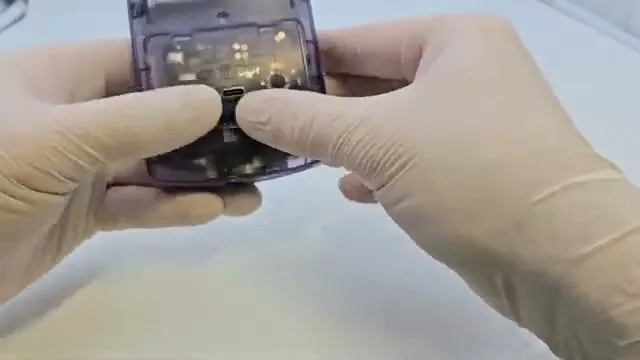
Section titled “3. Fit and align the USB-C cover”Put on the included USB-C cover, but don’t close it all the way yet. Plug the charging cable through the opening in the cover into the USB-C port: this moves the pack into the right position. Only then press the cover shut and unplug the cable.
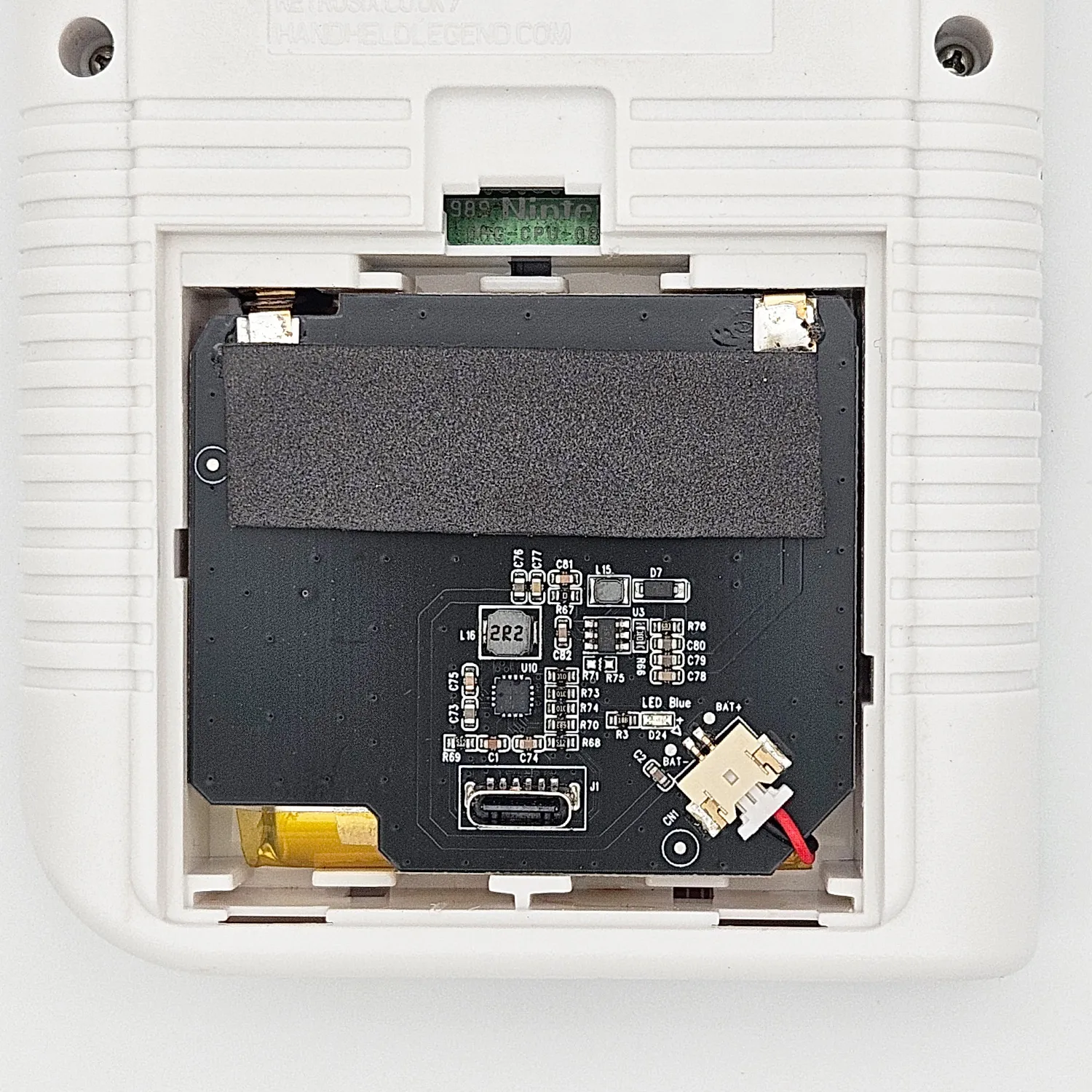
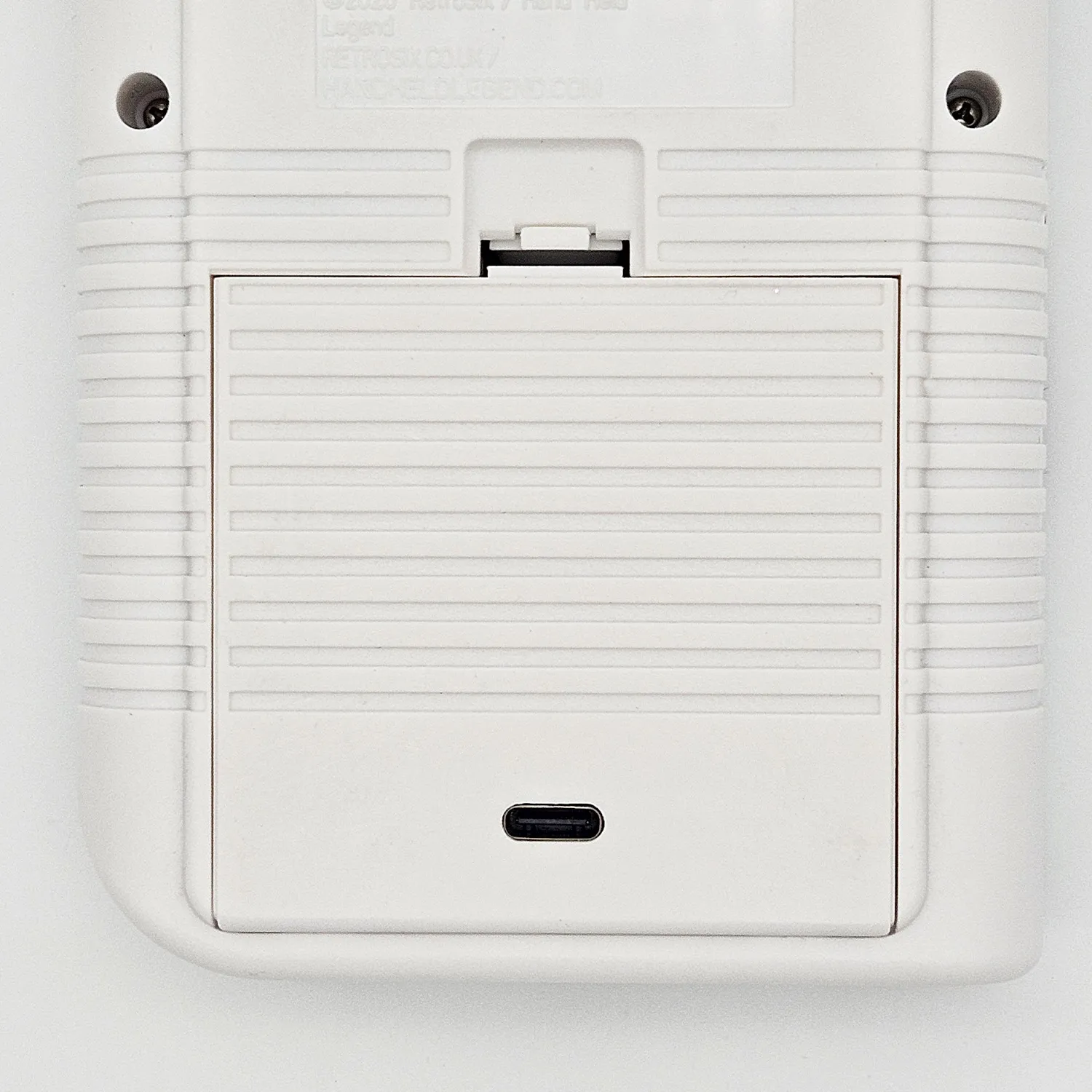
Game Boy Classic (DMG)
Section titled “Game Boy Classic (DMG)”This is how the installed pack looks in the DMG, with the USB-C port facing down towards the opening in the cover. The grey USB-C cover is included.
Charging
Section titled “Charging”You can use any charger with a USB-A or USB-C port. While charging, a blue LED lights up on the board, visible through the clear cover.